Private browser processing
PDF.js, layout analysis, and optional OCR run on your device. There is no conversion upload or account.
Free · private · no sign-up
Convert PDF to Markdown in your browser, compare the result beside the original, and download clean, editable text without uploading your document.
Private browser converter
Reading your PDF
Your file stays in this browser tab.
Detected structure
Choose a format per table. Low-confidence results are never hidden.
Built for digital PDFs and English scans. Complex layouts should be reviewed before use.See honest limitations.
Key features
PDF is a page-description format, so reliable conversion needs more than copying text. PDFtoMD.im keeps the source visible, explains uncertain structure, and lets you correct the Markdown before it leaves your device.
PDF.js, layout analysis, and optional OCR run on your device. There is no conversion upload or account.
Pages without a usable text layer can be rendered and recognized locally with an English OCR model.
Use Markdown for regular grids, HTML for irregular rows, CSV for data work, or plain text as a safe fallback.
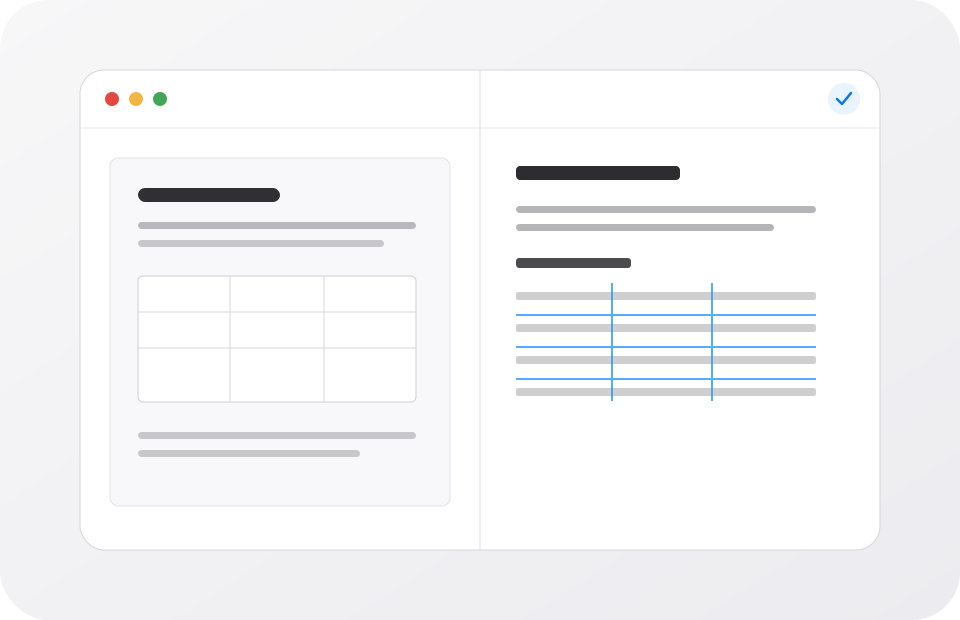
Read the original PDF and editable Markdown together, preview rendered output, then copy or download it.
What it is
A PDF to Markdown converter turns positioned page content into lightweight, structured plain text. Useful output uses Markdown markers for headings, lists, code blocks, and tables instead of returning one long, unstructured text stream.
That task is different from ordinary copy and paste. A PDF often stores words as separate drawing commands with coordinates, font references, and no explicit paragraph or column meaning. This converter groups nearby characters into reading lines, compares font sizes, detects recurring page margins, and looks for aligned table cells. It then produces Markdown that you can inspect rather than pretending the PDF contained perfect semantics.
The input is a standard PDF file. The main output is a UTF-8 .md file. Detected tables can be represented as GitHub Flavored Markdown, HTML, fenced CSV, or tab-separated plain text. A ZIP package can include the Markdown, individual CSV tables, and a conversion report. Raster image extraction and LaTeX equation reconstruction are not currently supported.
How to
There is nothing to install and no file queue. Start with the automatic settings, then adjust table output only when the PDF layout calls for it.
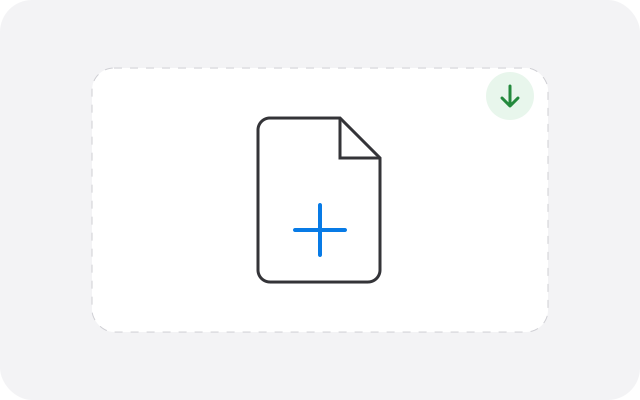
Drop the file into the tool or choose it from your device. Validation happens before conversion begins.
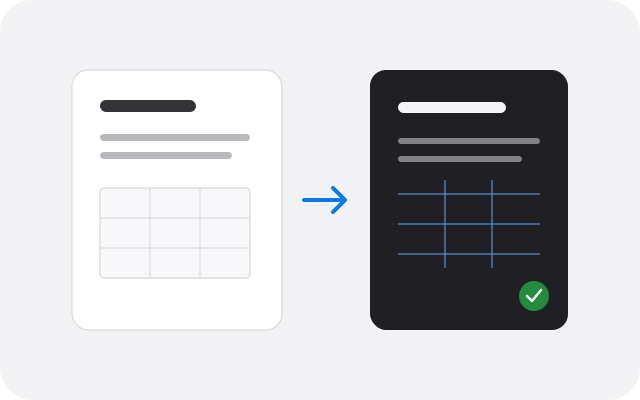
The browser reads text, layout, margins, and tables. Scanned pages use OCR only when needed.
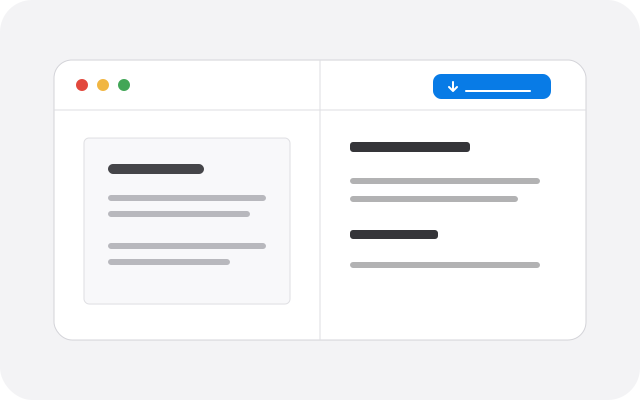
Compare both panels, edit any ambiguous section, change table formats, then copy or download the result.
PDF to Markdown benefits
The best PDF to Markdown workflow is not the one with the boldest accuracy claim. It is the one that makes common documents fast and makes difficult documents easy to verify.
The answer is simple: it stays in the browser tab. There is no conversion account, cloud queue, or server result URL.
Edit the Markdown, view a rendered preview, copy it, download one file, or export a ZIP with table CSV files.
OCR and table warnings point to pages worth checking instead of silently presenting uncertain output as exact.
A single PDF can use Markdown for one table and HTML or CSV for another without running conversion again.
Pro tips
Recommended settings
Match the settings to the source and to what you plan to do with the Markdown next.
Preserve page boundaries for notes and verify equations, footnotes, two-column order, and figure references.
Use headings and page comments as chunking clues, then remove references or boilerplate that does not help retrieval.
Review every low-confidence table and use the included CSV files when the numbers need spreadsheet validation.
Expect a slower first pass, check similar characters, and process a smaller section if the device has limited memory.
Digital text converts quickly; disabling page comments creates a smoother continuous document for editing.
Keep narrative content in Markdown and inspect each extracted table as a separate CSV before importing data.
FAQ
Product-specific answers about privacy, OCR, tables, limits, and the formats this converter actually supports.
Yes. PDFtoMD.im is free to use, requires no account, and does not place a watermark in the Markdown. The current browser limits are 40 MB, 100 pages for digital PDFs, and 25 pages that require OCR.
No. PDF.js reads the PDF inside your browser, and the Markdown remains in this tab until you copy, download, clear, or reload it. The document is not sent to a conversion API.
Yes, for English scanned pages. When a page contains very little selectable text, the converter can render that page locally and run Tesseract OCR. OCR is slower and less certain than extracting an existing text layer, so scanned output should be reviewed beside the PDF.
It detects aligned text cells and recommends Markdown for regular rectangular tables or HTML for irregular rows. Every detected table can also be changed to CSV or plain text. A confidence note appears when the structure is uncertain.
Yes. Use the per-table Download CSV button or download the ZIP package, which places every detected table in a separate CSV file. CSV is useful for spreadsheets, while Markdown or HTML is usually better inside a document.
The source pages remain visible in the side-by-side PDF preview, but this version does not extract and embed raster images into the Markdown file. This avoids misleading image order and oversized downloads. Keep the original PDF when figures are essential.
Selectable formula characters may carry over, but PDF drawing instructions do not contain the original LaTeX source. Complex equations, superscripts, and matrix layouts need manual review. The converter does not claim equation reconstruction.
Usually, yes. Headings, paragraphs, lists, code-like text, tables, and page-break comments make the result easier to inspect and chunk than raw PDF text. Remove navigation pages, references, or sensitive content before sending the result to any external AI service.
A PDF stores characters at coordinates rather than as semantic paragraphs. Multi-column pages, floating captions, overlapping text boxes, and unusual font encodings can make reading order ambiguous. Use the original panel to compare and edit the Markdown before download.
A PDF can be up to 40 MB and 100 pages. Automatic OCR is limited to the first 25 pages that need it because rendering and recognition use significant device memory and battery. These are browser safety limits, not paid plan restrictions.
Once this page and any needed OCR assets have loaded, conversion does not require a document upload. PDFtoMD.im is not yet an installable offline app, so a fresh reload may still require access to the website.
Not currently. Remove the password with software you trust and only when you are authorized to do so, then convert the unlocked copy. The tool cannot recover or bypass a PDF password.
No cloud LLM reads or rewrites the document. The converter uses PDF text coordinates, layout heuristics, and optional local OCR. That keeps the privacy model understandable and avoids invented text, but it also means complex layouts may need human correction.
Ready when you are
Choose a file, keep it private, and inspect the result beside the original before you use it.
Open the PDF to Markdown converter